At Divblox, we’re focused on helping teams move faster with total visibility, from early AI-assisted ideas all the way to production-ready software. This release is all about making that journey smoother, smarter, and easier to manage. We’ve introduced stronger AI capabilities, improved collaboration tools, a cleaner Requirements App experience, and several workflow enhancements designed to reduce day-to-day friction.
Here’s a breakdown of what’s new.
High-Impact New Features
Requirements App Enhancements
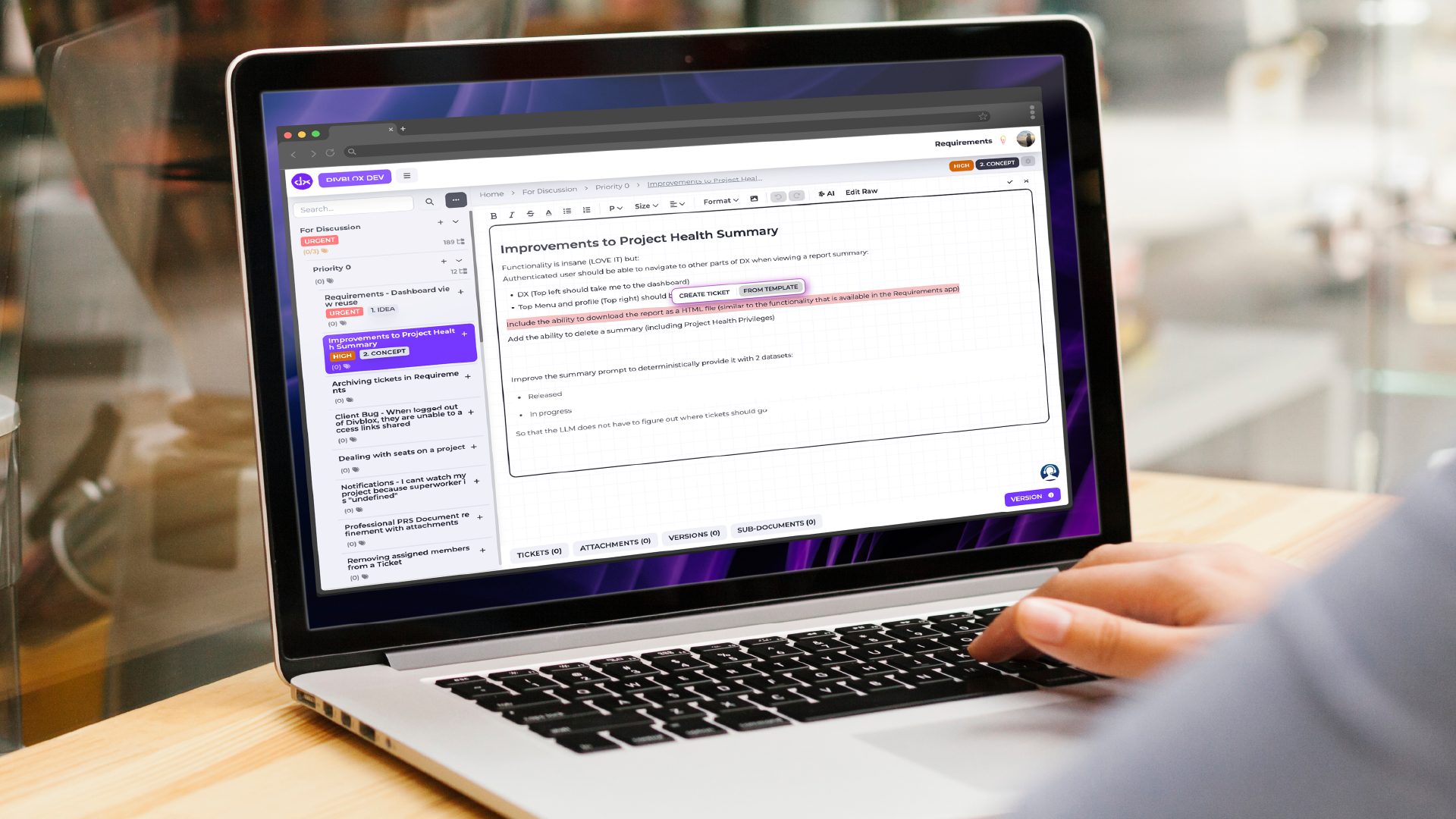
We’ve made major improvements to the Requirements App to create a faster and more intuitive scoping experience. The highlights include:
- Cleaner interface: Share and Edit actions have been reorganised and grouped more logically for a less cluttered workspace.
- Floating dialogs and ticket creation tools: Create tickets directly from the Visual Editor using the new floating “Create Ticket” button, making it easier to turn ideas into actionable work instantly.
- New “Complete” status: Requirements can now be marked as Complete, giving stakeholders a clearer high-level view of project progress.
Improved Collaboration in the Estimations App
We’ve added new features to make estimation sessions more transparent and easier to manage.
- Live attendance visibility: See who has joined an active estimation session in real time.
- Presenter session controls: Presenters can now officially close estimation sessions once discussions and alignment are complete.
Smarter AI Summaries & Better Prompting
We’ve upgraded AI capabilities inside Project Health.
You can now generate quick AI-powered summaries based on Delivery ticket activity with a single click, making it easier to understand project progress without digging through updates manually.

We’ve also improved the AI prompting system in the Requirements App, helping the AI better understand project context and generate more accurate results with less manual adjustment.
Workflow Improvements and Quality-of-Life Updates
Alongside the major features, we’ve included several smaller improvements that make daily workflows smoother.
Smarter ticket handling
- Checklist items converted into tickets now automatically keep their due dates.
- Duplicated tickets will no longer copy old due dates or timestamps, helping prevent outdated deadlines from carrying over accidentally.
Better Kanban visibility
- Tickets in Kanban view now display up to four lines of text for improved readability.
- Added Sprint lane tooltips for additional context.
Improved layout memory
- The platform now remembers your preferred items-per-page setting when switching between tabs in Project Health.
Additional usability improvements
- Better transparency handling for images.
- Cleaner grouping of Visual Editor controls.
- More detailed visibility into Custom Pricing Configurations, including app inclusions and project limits.
Key Bug Fixes
- More accurate estimation scoring: Fixed an issue where linking one ticket to multiple estimation sessions could incorrectly affect completion scores in earlier sessions. Historical metrics now calculate correctly.
- Improved project syncing: Resolved an issue where the active project did not always update correctly when initially loading a Requirement.